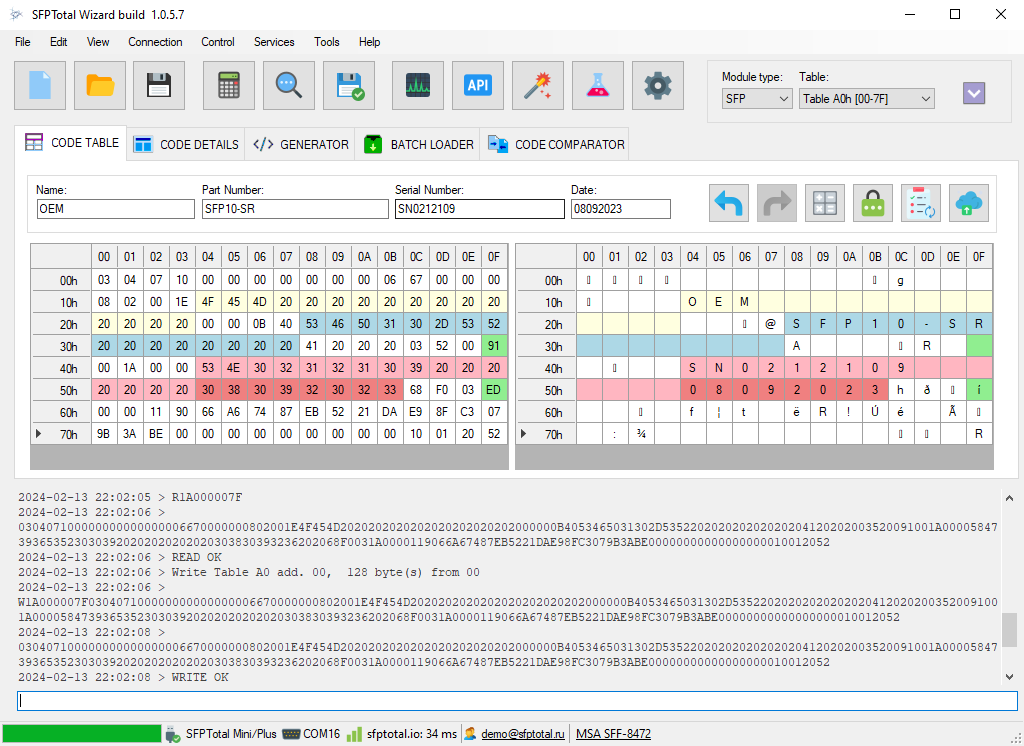
Device driver installation
SFPTotal programmers use a virtual serial port driver included in Windows 10 and later. Windows normally installs the driver automatically when you first connect the device to your computer.
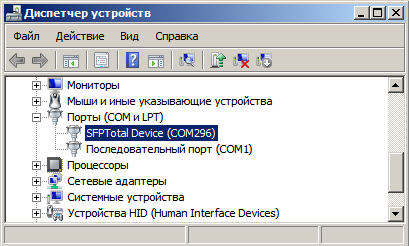
Connect the programmer to your computer and wait for the driver installation to finish. Once installed, the device should appear under Ports (COM & LPT) in Windows Device Manager, with an assigned COM port number.
If the driver is missing or your system has special policies for installing new devices, follow the manual driver installation instructions below.
Manually installing the SFPTotal device driver
Download and install the appropriate driver for your programmer.
Windows 8 and later require digitally signed drivers. The supplied driver packages include a self-signed driver certificate.
Download the driver and follow the installation instructions below.
There are two installation options: temporarily disable driver signature enforcement at system startup, or add the SFPTotal certificate to the Windows certificate store before installing the driver. The downloaded archive contains the certificate, the drivers signed with it, and a utility for adding the certificate to the local certificate store.
-
Extract the driver archive to a new folder.
-
Open Command Prompt (cmd.exe) as an administrator and change to the folder containing the extracted driver files. For example:
cd "C:\SFPTotal-Driver"
-
Run the following commands to add the SFPTotal certificate to the local machine's Trusted Root Certification Authorities and Trusted Publishers stores:
.\cer\certmgr.exe -add .\cer\SFPTotalTeam.cer -s -r localMachine ROOT
.\cer\certmgr.exe -add .\cer\SFPTotalTeam.cer -s -r localMachine TRUSTEDPUBLISHER
-
Run the following command to add the driver to Windows:
pnputil -i -a "SFPTotal Device.inf"
On some versions of Windows, you must restart the computer before the virtual serial port driver works correctly.
After adding the driver, connect the programmer to your computer with a USB cable. Windows should install the device automatically.
Installing the SFPTotal Whistle driver
Before connecting SFPTotal Whistle for the first time, install the FTDI Virtual COM Port drivers.
Installation package: CDM212364_Setup.zip
Connect the device directly to a USB 2.0 Type-A port without adapters or extension cables. The LED on the underside of the board lights up when the device is connected correctly.
If the FTDI drivers are installed correctly, Windows should automatically detect the device and install its driver when you connect it.
After installation, the device appears in Windows Device Manager as USB Serial Port, together with its COM port number, for example COM244. Use this port number when configuring the connection in SFPTotal Wizard.