Reading transceiver memory
To read data from transceiver memory:
- Connect the coding board to your computer and start SFPTotal Wizard;
- Insert the transceiver into the coding board port;
- Select the appropriate transceiver type from the drop-down menu Module Type;
- Select the memory area to read from the menu Address table;
- Click the transceiver memory read button — Read code from module;
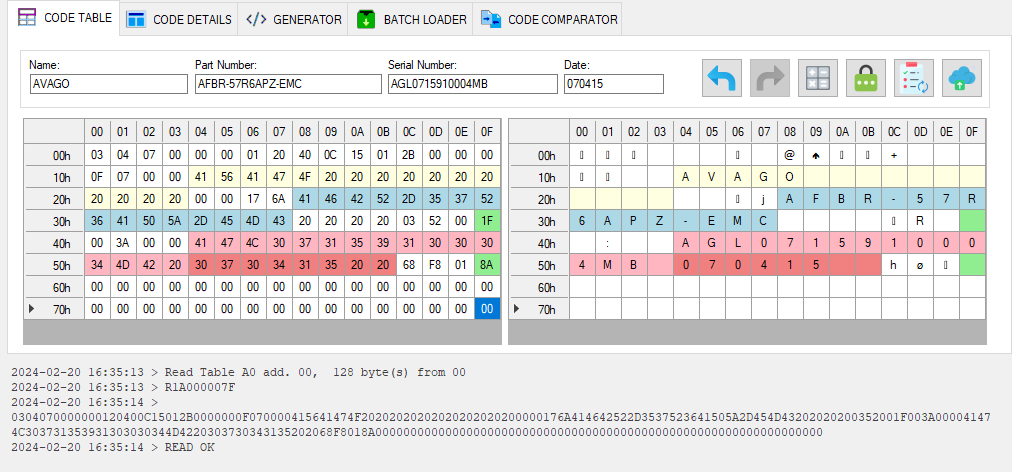
- The application displays the coding board response in the operation log and copies the data from transceiver memory into Code Table.
If the read succeeds, the application displays READ OK.
If a read error occurs, the coding board returns the corresponding error code.